McDonald’s Gift Card Balance Canada 2026 – How to Check and Use
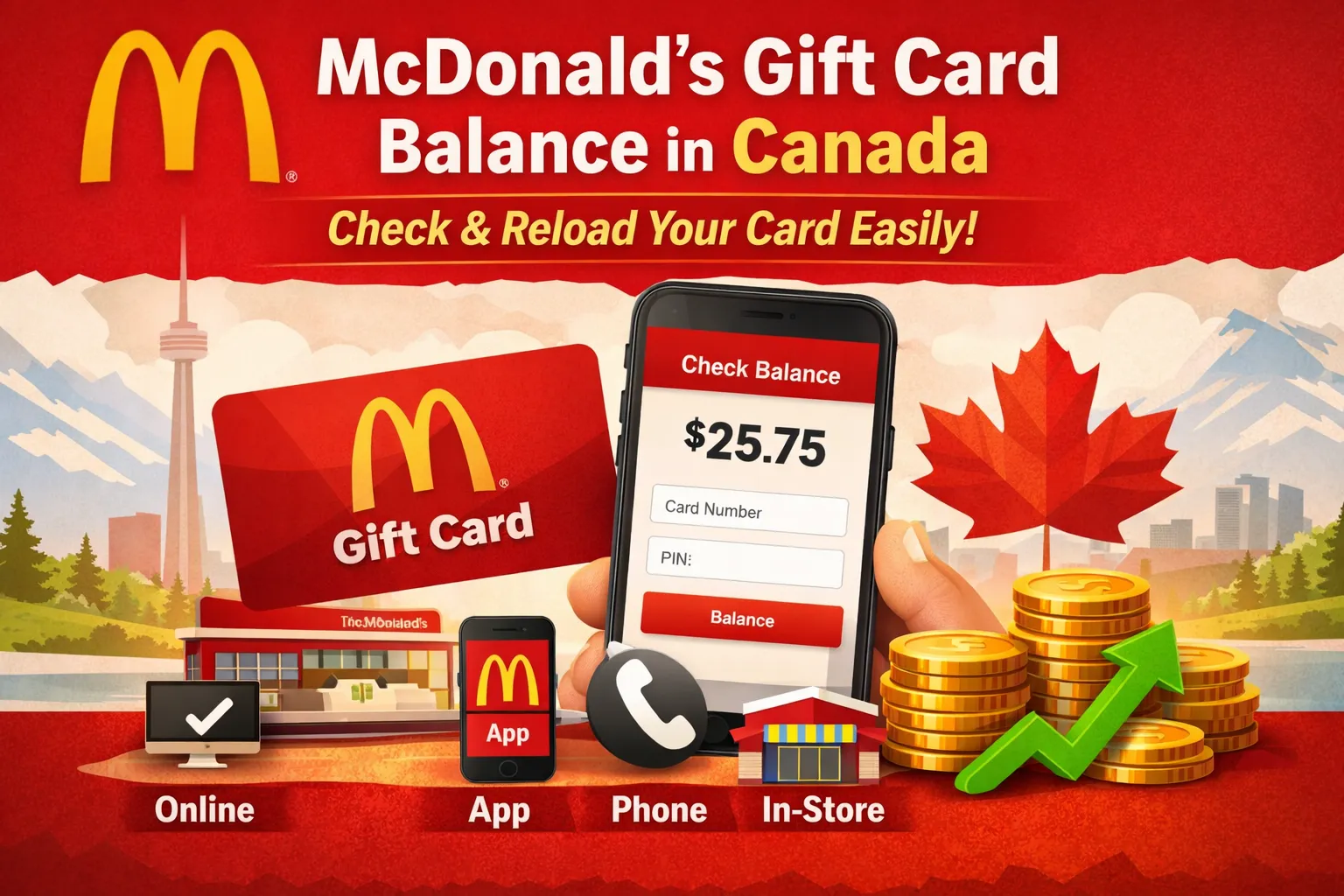
If you want to check your McDonald’s gift card balance in Canada, the process is simple. You can check it online, by the McDonald’s App, or at any McDonald’s restaurant. Many Canadian customers use gift cards for quick meals, app orders, and drive-thru visits at McDonald’s. Knowing your remaining balance helps avoid payment issues and saves time at checkout. Below, I’ll walk you through the easiest and most reliable ways to check McDonald’s gift card balance in Canada for 2026.
👉 Check Complete McDonald’s Menu
What Is a McDonald’s Gift Card?
A McDonald’s gift card is a prepaid card used to pay for food and drinks at McDonald’s locations across Canada. It works like cash, but the amount is already loaded on the card. You can use it for dine-in, drive-thru, or app orders where gift cards are accepted.
These cards come in two forms. Physical gift cards are plastic cards you buy in stores or at restaurants. Digital gift cards are sent by email and stored on your phone. Both types work the same way, and both allow you to check the remaining balance using the same methods.
Once activated, the balance stays on the card until it is fully used. There is no expiry date on McDonald’s Canada gift cards, which makes them easy to save and use later without pressure.
How to Check McDonald’s Gift Card Balance Online
Checking your McDonald’s gift card balance online is the fastest option for most users in Canada. It only takes a minute and works on both mobile and desktop.
Follow these simple steps:
- Open the official www.mcdonalds.ca gift card balance page.
- Enter the 16-digit card number printed on the back of your card.
- Add the PIN or security code if asked.
- Select Check Balance to view the remaining amount.
Your balance appears instantly on the screen. If you have more than one card, you can repeat the same steps for each card. This method is reliable and works for both physical and digital gift cards.
Check Gift Card Balance In-Store
If you prefer face-to-face help, you can check your McDonald’s gift card balance at any McDonald’s restaurant in Canada. This method works well if you do not have internet access or want instant confirmation before ordering.
Simply hand your gift card to the cashier and ask them to check the remaining balance. The staff scans the card, and the balance appears on their system. In many cases, the remaining amount is also printed on your receipt after a purchase.
Check McDonald’s Gift Card Balance Using the Mobile App
You can also check your McDonald’s gift card balance through the McDonald’s Canada mobile app. This option is helpful if you regularly order food using your phone.
Start by opening the app and signing in to your account. Go to Payment Methods and select Gift Cards. If your card is already added, the remaining balance shows instantly. If not, you can add the card using the card number and PIN.
The app method works best for users who place mobile orders often. It lets you view your balance and use the card in one place, which saves time during checkout and reduces payment errors.
Types of McDonald’s Gift Cards in Canada
| Gift Card Type | Description | Balance Check Methods | Reload Option |
|---|---|---|---|
| Physical Gift Card | Plastic card bought at McDonald’s restaurants or retail stores | Online, in-store, mobile app | Yes, reloadable |
| Digital eGift Card | Sent by email and stored on your phone | Online, mobile app | Yes, reloadable |
Both gift card types work the same way in Canada. The balance rules are identical, and neither card expires. You can choose the option that best fits how you usually order food.
Common Problems When Checking Gift Card Balance
Sometimes, checking your McDonald’s gift card balance does not work on the first try. These issues are common and usually easy to fix once you know the cause.
One frequent problem is entering the wrong card number or PIN. Even a small mistake can stop the balance from showing. Always double-check the digits before submitting.
Another issue happens when the PIN is scratched or hard to read. In this case, checking the balance in-store is often the best option, as staff can scan the card directly.
At times, the www.mcdonalds.ca gift card balance page may be temporarily unavailable due to system updates. Waiting a few hours and trying again usually solves this.
If a card shows zero balance unexpectedly, it may already be fully used or not activated correctly. For ongoing issues, contacting McDonald’s Canada customer support is the safest way to confirm the card status.
FAQs
How long does a McDonald’s gift card balance stay valid in Canada?
The balance remains available until it is fully used. McDonald’s Canada gift cards do not expire, which makes them safe to keep for future visits.
What information is needed to check a gift card balance online?
You need the 16-digit card number and, in some cases, the PIN printed on the back of the card. These details allow the system to show the current balance.
Why does my McDonald’s gift card show zero balance?
A zero balance usually means the card has already been used or was not activated properly. Checking in-store or contacting customer support can help confirm the status.
Is it possible to check a McDonald’s gift card balance without the PIN?
Most online and phone methods require the PIN. If the PIN is unreadable, checking the balance in-store is the easiest option.
What should I do if the gift card balance page is not loading?
The balance page may be temporarily unavailable due to system updates. Waiting a short time or using the in-store method usually resolves the issue.